We have a new documentation site. Please go here to see the latest.
Custom fields
- Jack (Hunter) Jaroczynski
- Jennifer Choban
- Maciej Opala (Deactivated)
Custom fields integration / synchronisation can be enabled by toggling the Save checklist data to Jira custom fields option.
When enabled, checklist items data are stored and synchronised automatically with Jira custom fields: Checklist Text (always) and Checklist Content YAML (only default checklist and only if multiple checklists are disabled).
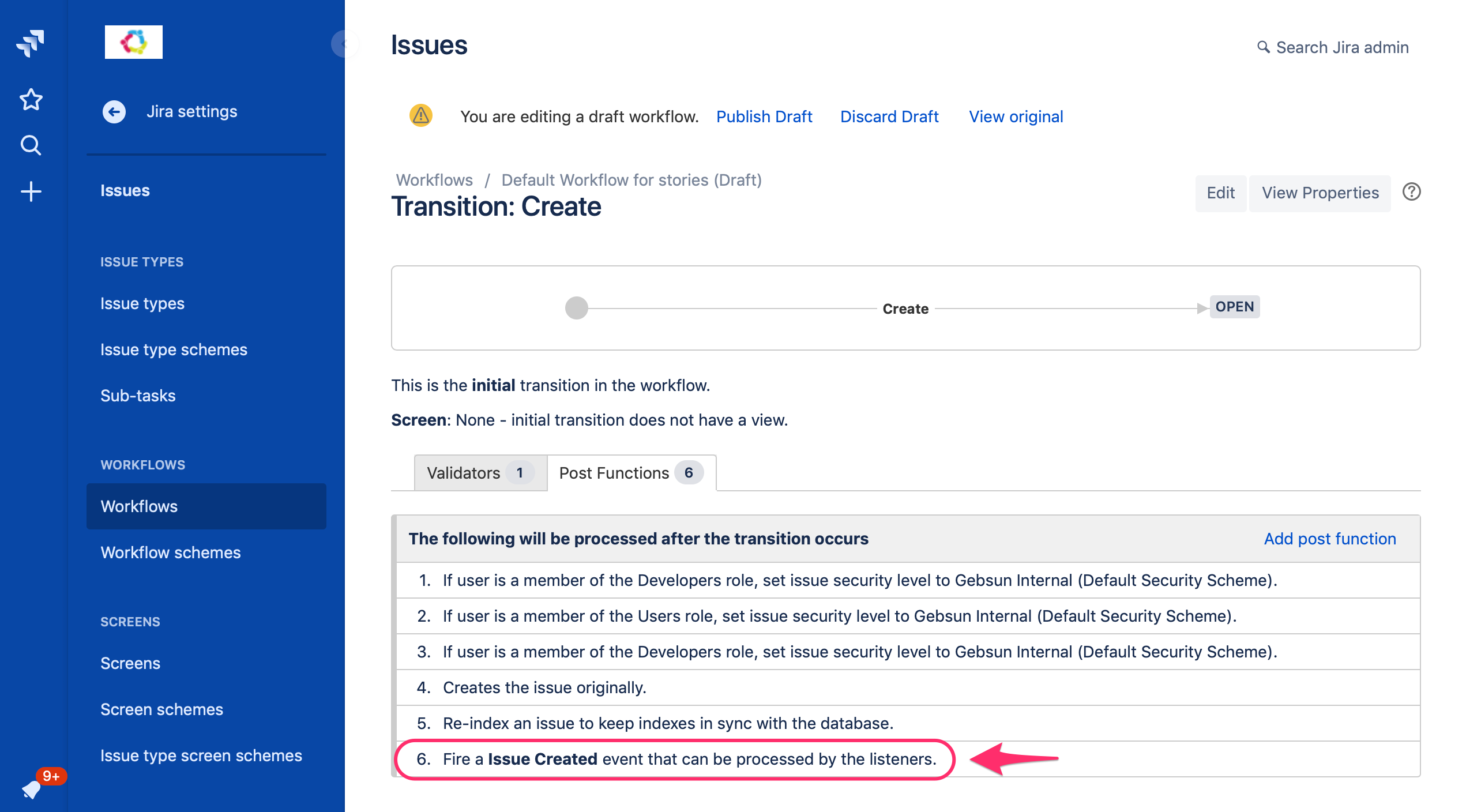
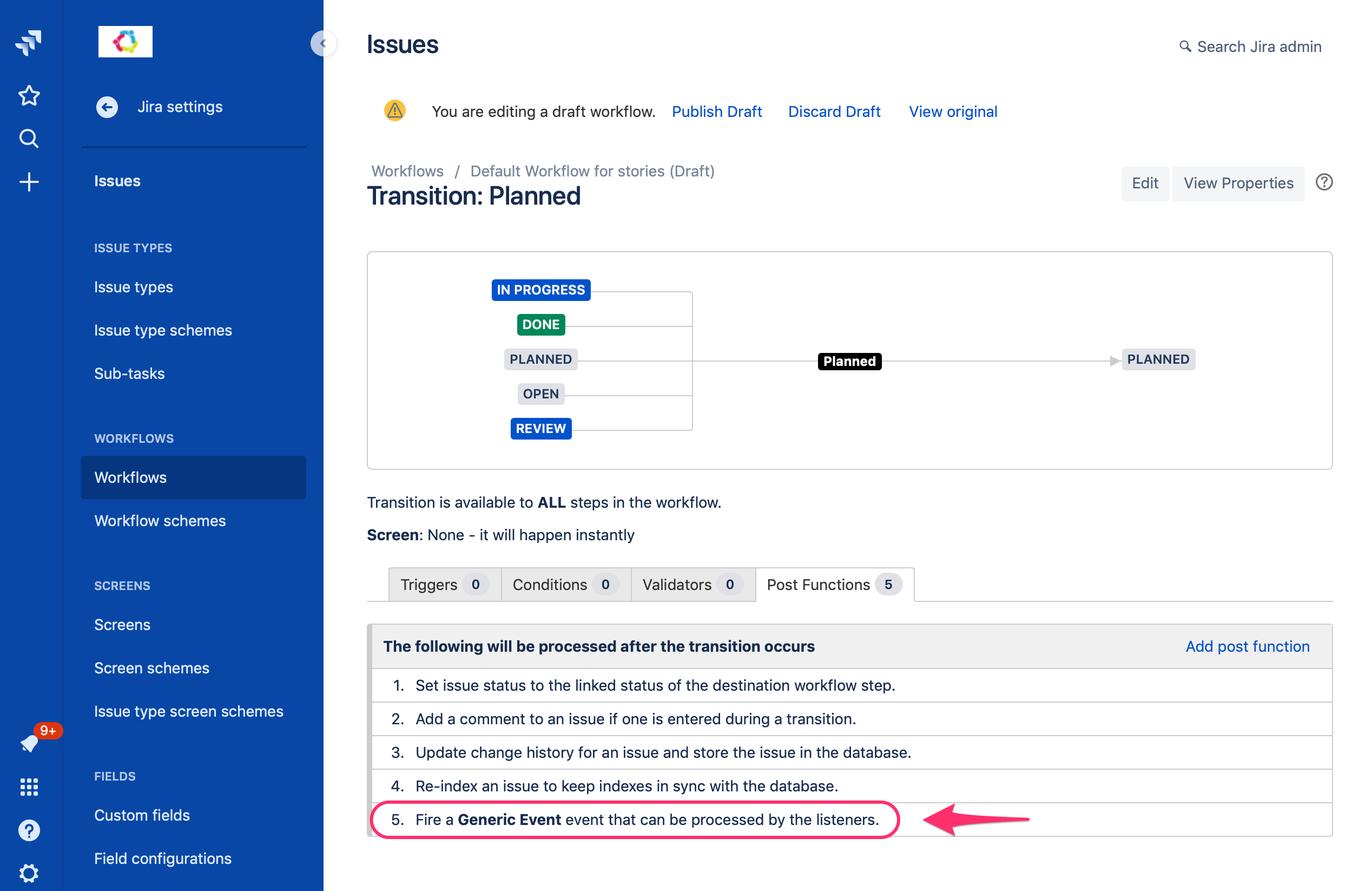
Custom fields
Issue Checklist delivers the following custom fields. They are created automatically when the Issue Checklist is installed and they stay in sync with checklist content.
| Field | Description | "Save checklist data to Jira custom fields" must be enabled? | Works in Next-Gen (team-managed) projects |
|---|---|---|---|
| Checklist Progress | Shows a number of completed checklist items versus the total number of items in the checklist, e.g. " | No | Yes |
| Checklist Progress % | Shows a number of completed checklist items versus the total number of items in the checklist, e.g. "33" | No | Yes |
| Checklist Completed | Used for flexible blocking workflow transition using regular expressions. | Yes | No |
| Checklist Content YAML (deprecated) | Deprecation notice: this field stores only items from the default checklist and is ignored if multiple checklists are enabled. Use Checklist Text instead. Stores default checklist items and can be used for various purposes, e.g. REST calls, advanced JQL search, migrating checklists between Jira sites or importing checklist data from Trello or CSV. Manipulation of this field requires YAML support. | Yes | No |
| Checklist Text | Stores all checklists and all items and can be used for various purposes, e.g. show checklist on Issue Create screen, REST calls, advanced JQL search, migrating checklists between Jira sites or importing checklist data from Trello or CSV. Its content is more user-friendly than YAML. | Yes | No |
| Checklist Template | Stores list of templates along with items for each template. Selecting a value for that field on a given Jira issue applies the selected template to the issue. | No | Yes |
Added functionality
Custom fields extend Issue Checklist functionality and provide more tight integration with Jira.
Here is the (almost) full list of additional features and integrations provided by custom fields:
| Feature | Description | "Save checklist data to Jira custom fields" must be enabled? |
|---|---|---|
| Show checklist progress | Show progress in the form of 4/5 or 66% on Agile board cards or Search result | No |
| Block issue transition using regular expression | Block transition (e.g. Resolve) if all or some checklist items are not completed. Please note that with the option Save checklist data to Jira custom fields disabled it is still possible to block transition until all checklist items are completed using the built-in validator. | Yes (no for built-in validator) |
| Possibility to read and modify checklist content through Jira REST API (HTTP call). | Yes | |
Integration with automation add-ons like CLI, Script Runner, Automation and lots of others. | Yes | |
Integration with Changelog, History and Activity Stream as well as Notifications | Any change to the checklist is tracked in History, All and Activity Stream tabs for an issue as well as user Notifications area. | Yes |
| Flexible/Advanced search | Possibility to search for particular checklist items checked or unchecked. Please note that with the option Save checklist data to Jira custom fields disabled it is still possible to use various built-in search queries. | Yes (no for built-in search queries) |
| Issue Create support | Possibility to add checklist content manually by typing on the Issue Create form. Please note there is also a default checklist feature that does not require enabled option Save checklist data to Jira custom fields. | Yes (no for default checklist) |
| Issue Edit support | Possibility to change checklist content manually by typing on the Issue Edit form. | Yes |
| Bulk Edit support | Possibility to apply the checklist to a custom list of issues (e.g. selected with JQL search) | Yes |
| Export checklist data | Possibility to retrieve a single issue checklist items as well as the entire project or JIRA instance in YAML or Text custom fields. | Yes |
| Import checklist data | Possibility to import checklist with Jira issue from Jira backup, CSV file or via REST API | Yes |
Can't find the feature you are looking for? Let us know. It might be available, but not yet on the list.