We have a new documentation site. Please go here to see the latest.
Search basic (including JQL)
- Jack (Hunter) Jaroczynski
- Jennifer Choban
Issue Checklist offers following built-in search functions (they are available directly from the Issue View page):
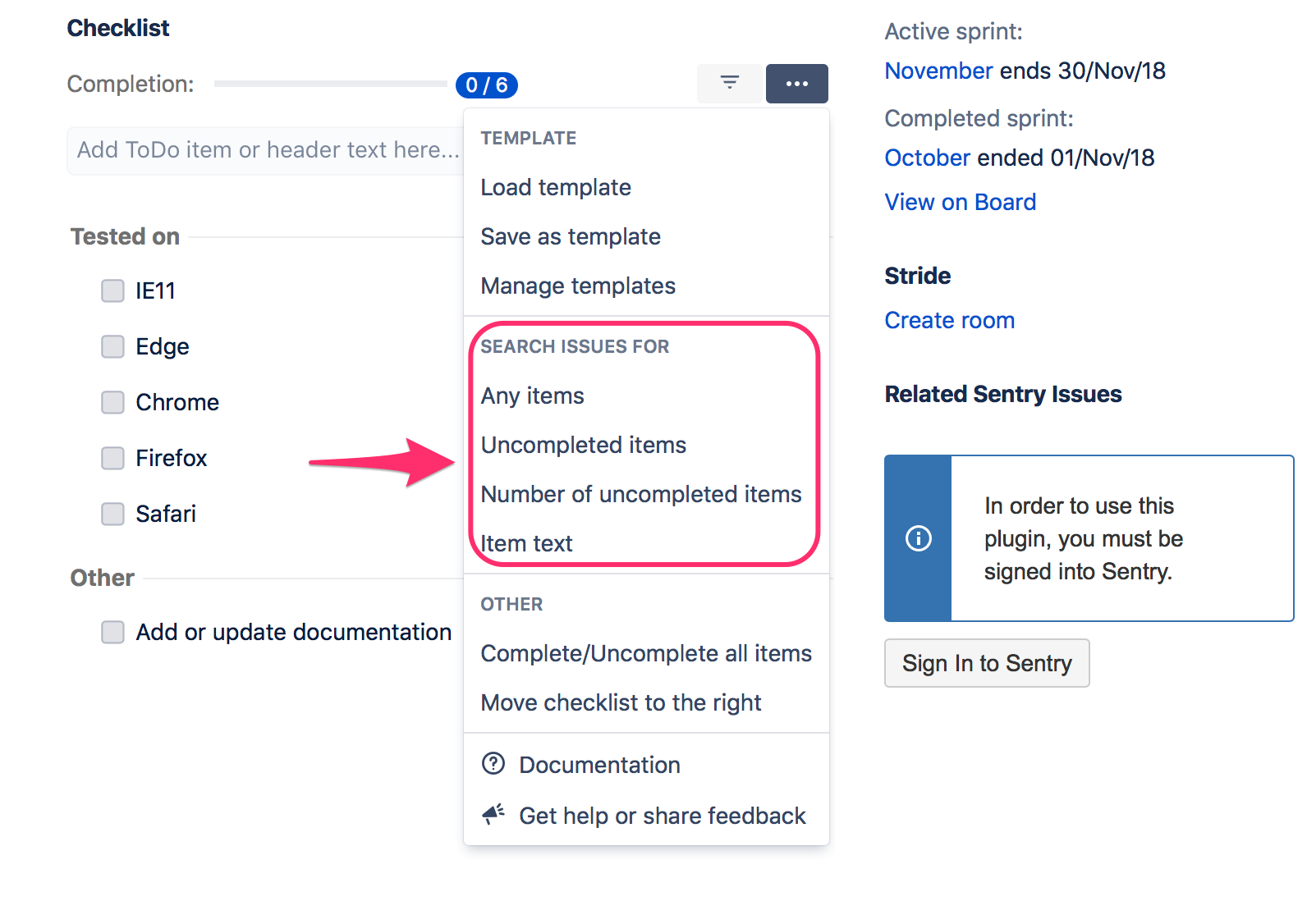
There is also Advanced Search functionality available.
Search issues containing checklist items
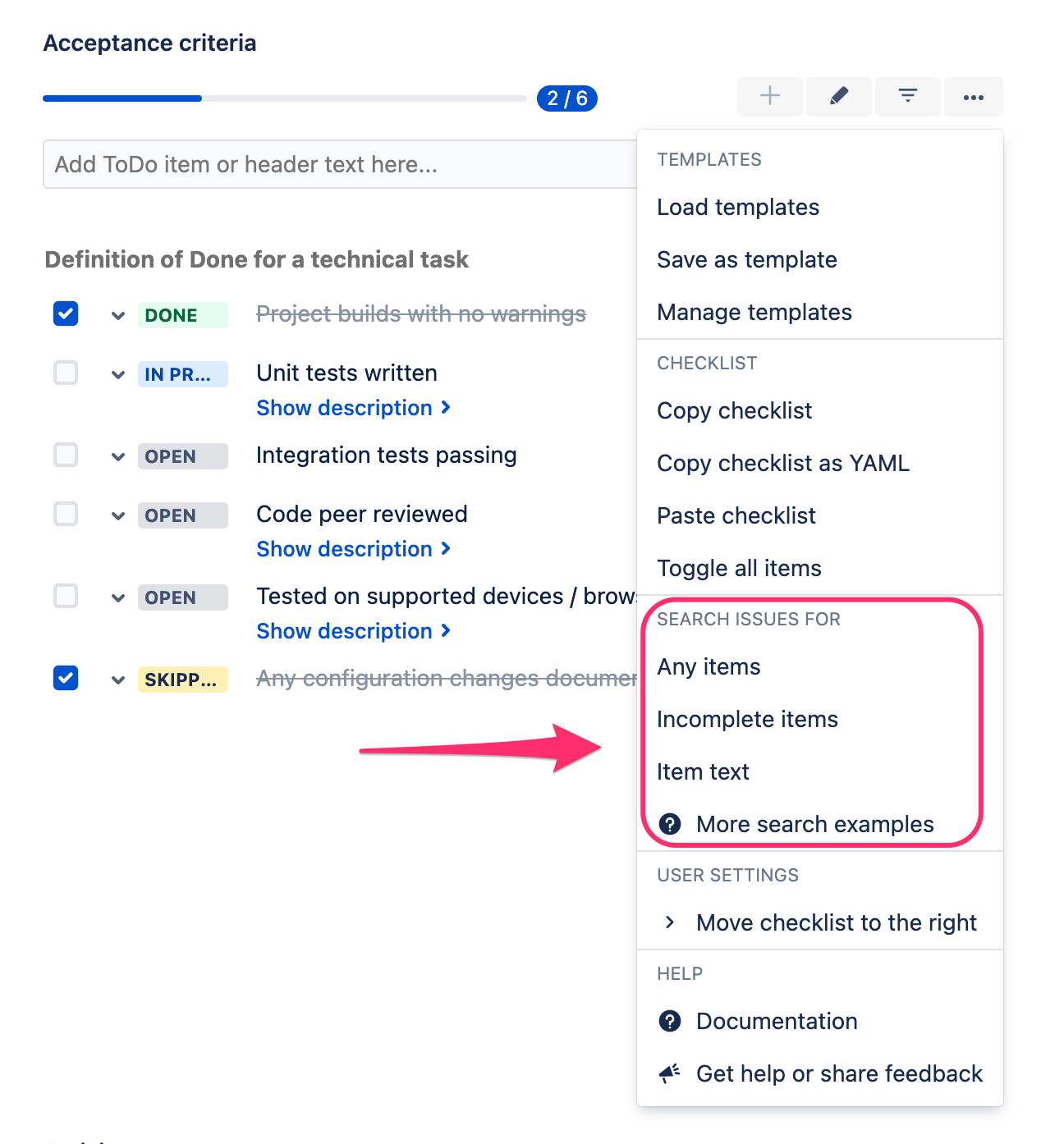
Go to any issue page, expand the Checklist dropdown, and select "Any items" from the search menu:
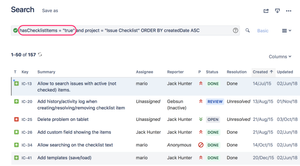
or go to the Search view and use one of the following statements:
hasChecklistItems = "true"
checklistItemsCount > 0
e.g.:
Search issues containing unchecked items
Go to any issue page, expand the Checklist dropdown, and select "Incomplete items" from the search menu
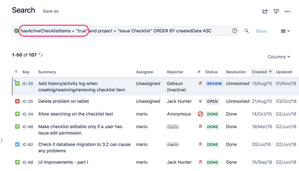
or go to the Search view and use one of the following statements:
hasActiveChecklistItems = "true"
activeChecklistItems > 0
e.g.:
Search issues containing given number of items
Go to Search view and use the following statement:
checklistItemsCount = 3
Search issues containing given number of unchecked items
Go to Search view and use the following statement:
activeChecklistItems = 3
Search issues containing items with given text
Go to any issue page, expand the Checklist dropdown, and select "Item text" from the search menu
or go to the Search view and use the following statement
checklistItems ~ "Firefox"
e.g:
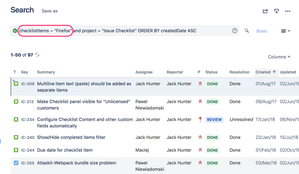
The above search does not work if "View Checklist" permission has been activated. In that case, use advanced search to find issues with a given checklist text.
Search for issues containing completed (or deleted) checklist
Go to Search View and use the following statement:
hasActiveChecklistItems = "false"
Need more options? Check Advanced Search functionality.
Troubleshooting
Issue Checklist tells Jira to use issue entity properties to provide the following features:
Therefore, the Issue Checklist must be able to set issue entity properties (which is the default behavior).
However, Issue Checklist might not be able to set issue entity property if jira.permission.* workflow property is set on a workflow step. For example, the following property will prevent Issue Checklist from setting issue properties, and features listed above won't work correctly:
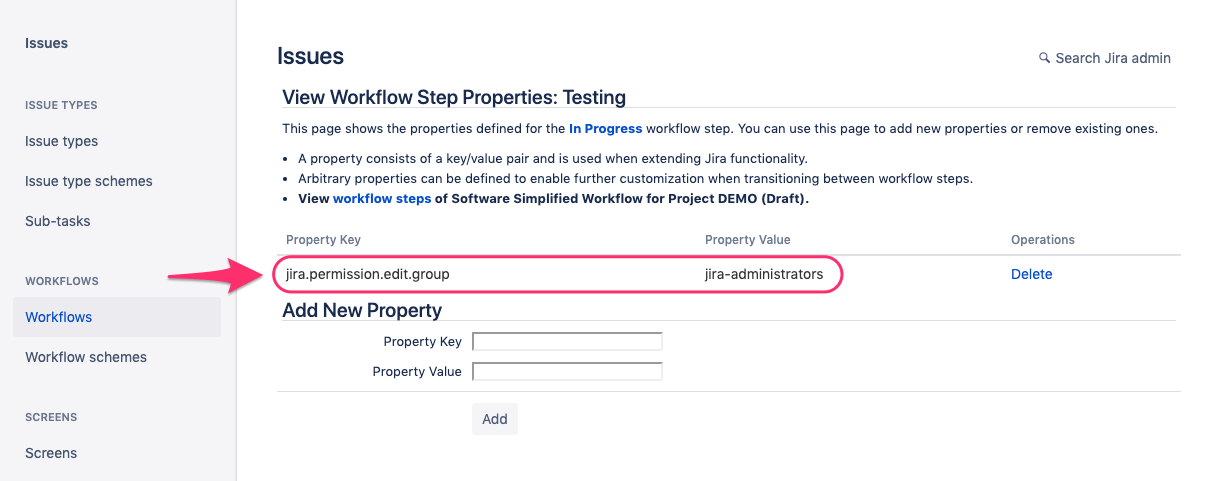
Solution: please remove jira.permission.* workflow property and use standard Jira permissions to control who can edit the issue.